> ## Documentation Index
> Fetch the complete documentation index at: https://docs.contextforce.com/llms.txt
> Use this file to discover all available pages before exploring further.
# General Settings
> General settings for LEXI
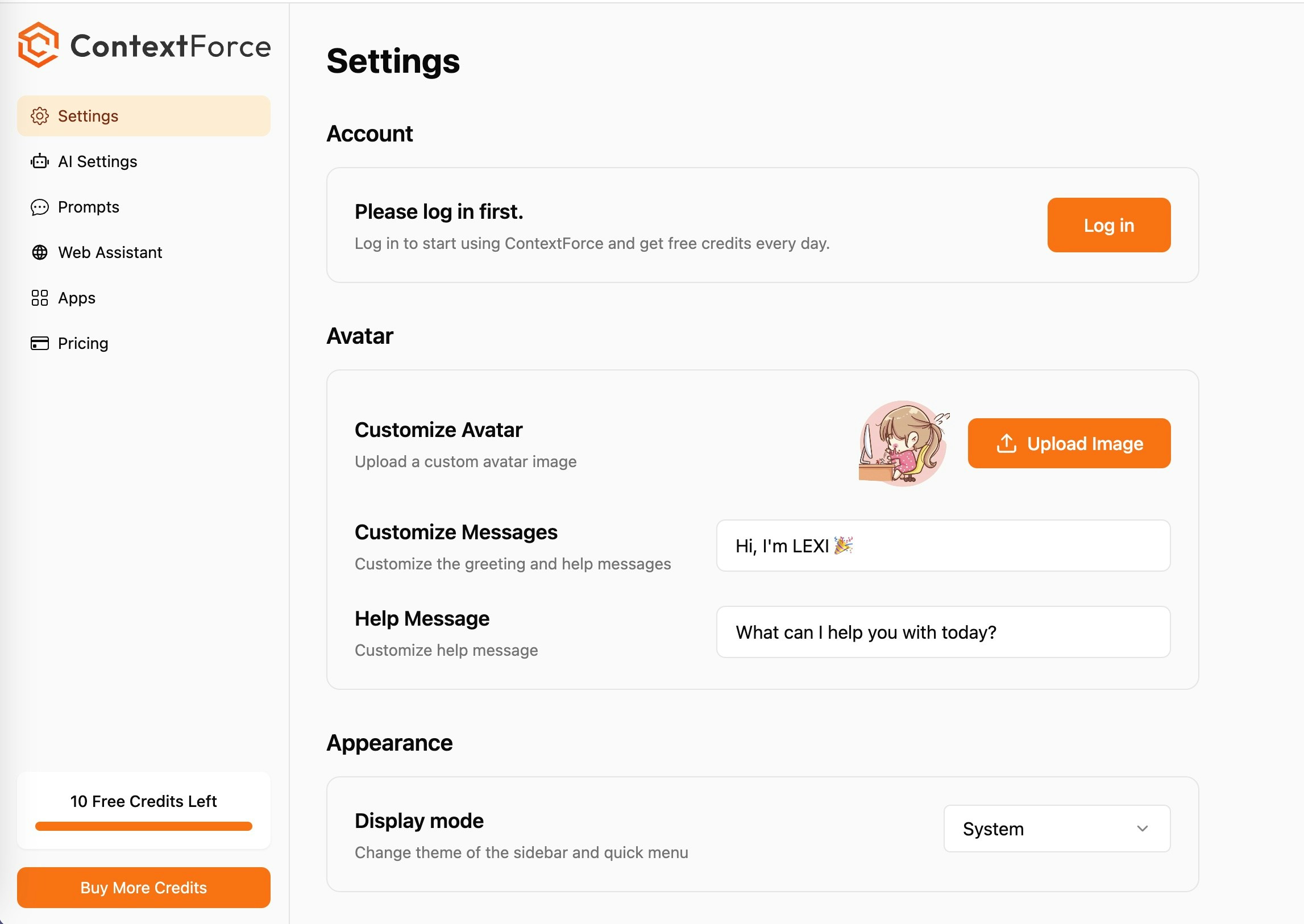 ## Signup and Login
You don't need to sign up to use LEXI for free. But we will grant more free credits and provide more features and support to our registered and paid users.
## Custom Avatar
Use this setting to upload your own avatar to personalize your ai assistant and even change its name!
## Light & Dark Mode
Use this setting to switch between light and dark mode.
## Customize Theme Color
Use this setting to customize the theme color of the extension.
## Display Language
Contextforce currently supports 6 different languages for display. We will add more based on user feedback.
## Target Language
This setting is to tell the large language model to translate the response to the target language.
## Signup and Login
You don't need to sign up to use LEXI for free. But we will grant more free credits and provide more features and support to our registered and paid users.
## Custom Avatar
Use this setting to upload your own avatar to personalize your ai assistant and even change its name!
## Light & Dark Mode
Use this setting to switch between light and dark mode.
## Customize Theme Color
Use this setting to customize the theme color of the extension.
## Display Language
Contextforce currently supports 6 different languages for display. We will add more based on user feedback.
## Target Language
This setting is to tell the large language model to translate the response to the target language.