

🚀 Redefining how you interact with AI:
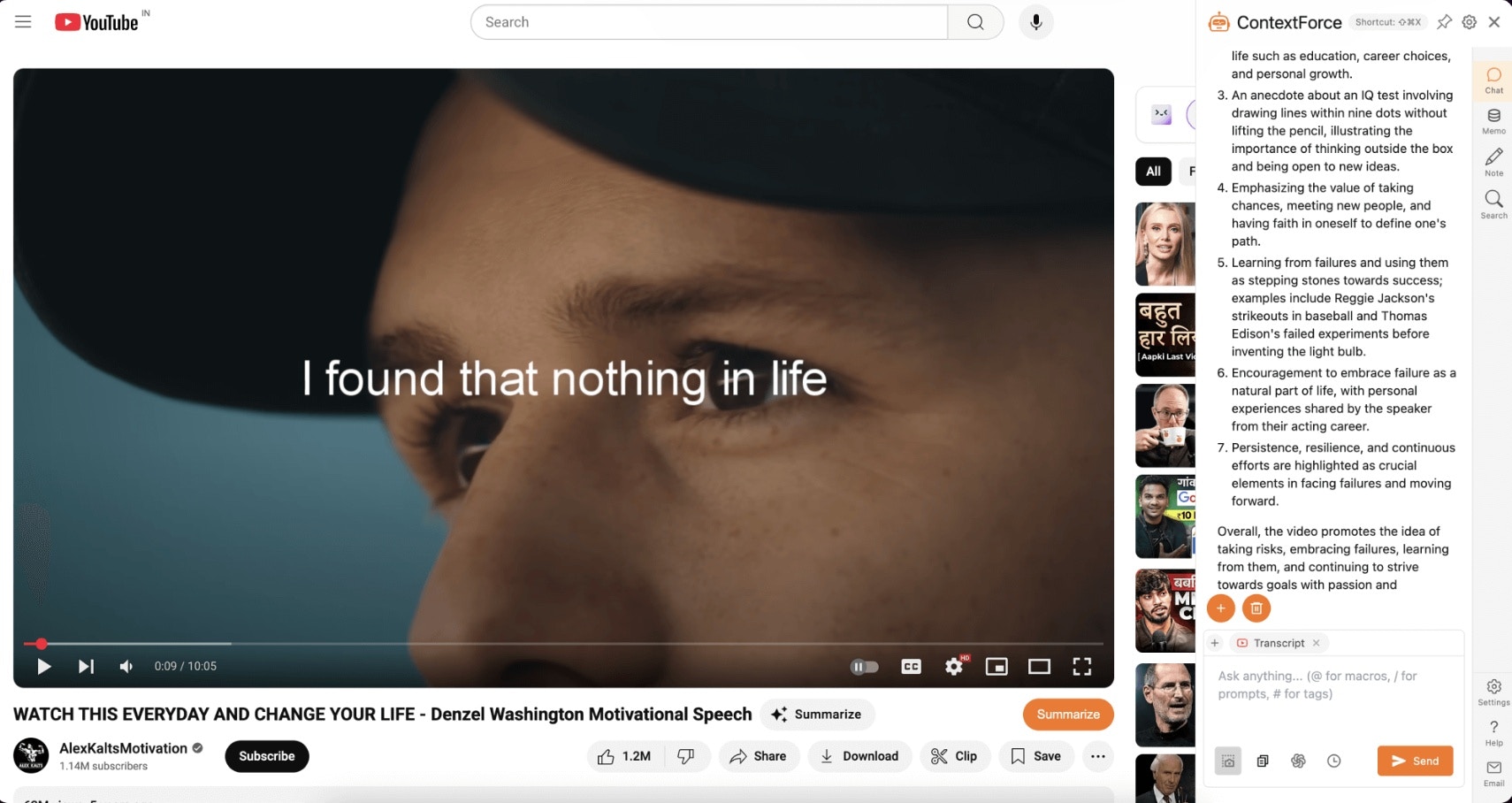
- ✔️ Web AI Assistant – AI-powered buttons embedded directly into websites like YouTube, X.com, Gmail, Google, and Stack Overflow.
- ✔️ Personal Knowledge Base – A private, on-device knowledge repository where you can store, tag, and query your saved content.
- ✔️ Smart Prompt Management – Organize, retrieve, and automate AI prompts for maximum efficiency in your workflows.
- ✔️ Pluggable AI Agents & Tools – Customize LEXI with specialized AI apps for tasks like image enhancement, research, writing, and coding assistance—just like an AI-powered browser extension.
Personalized AI Assistant
Customize AI Assistant
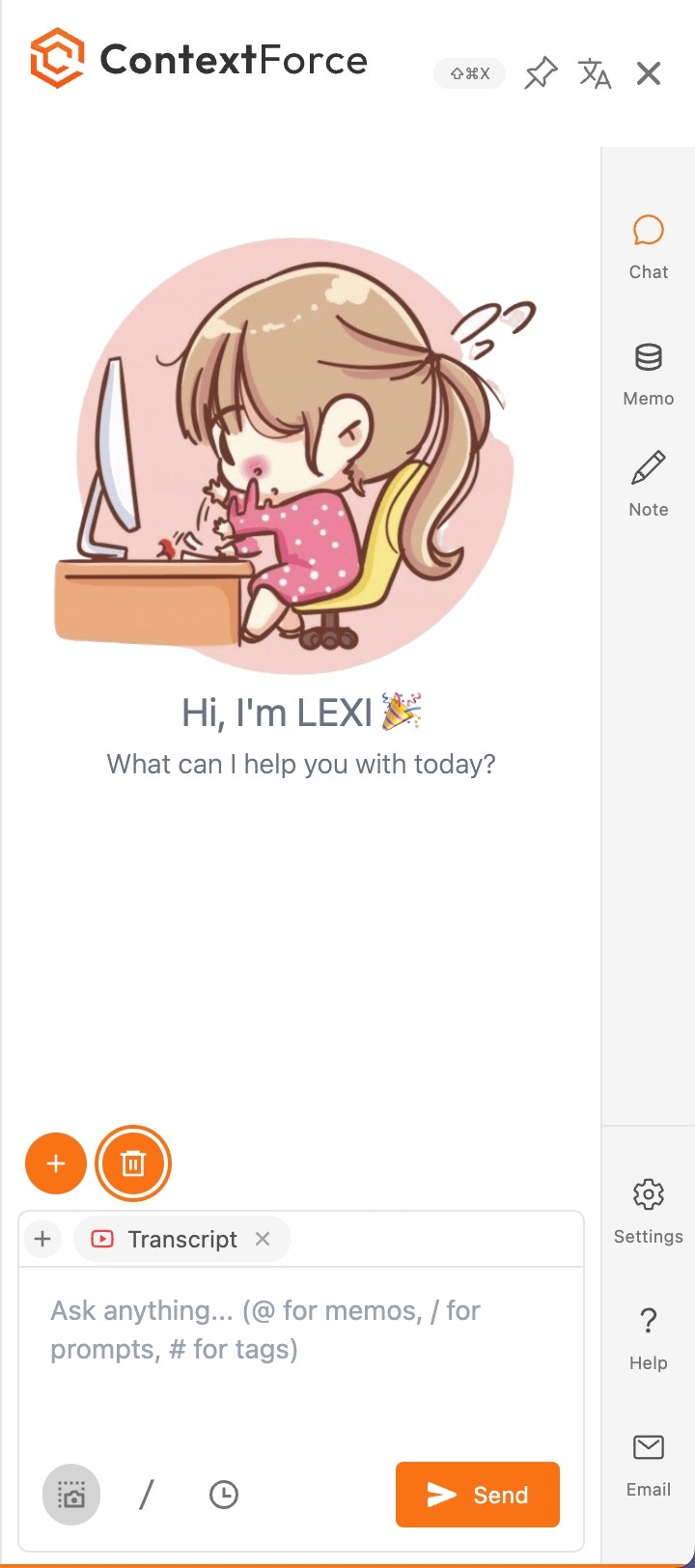
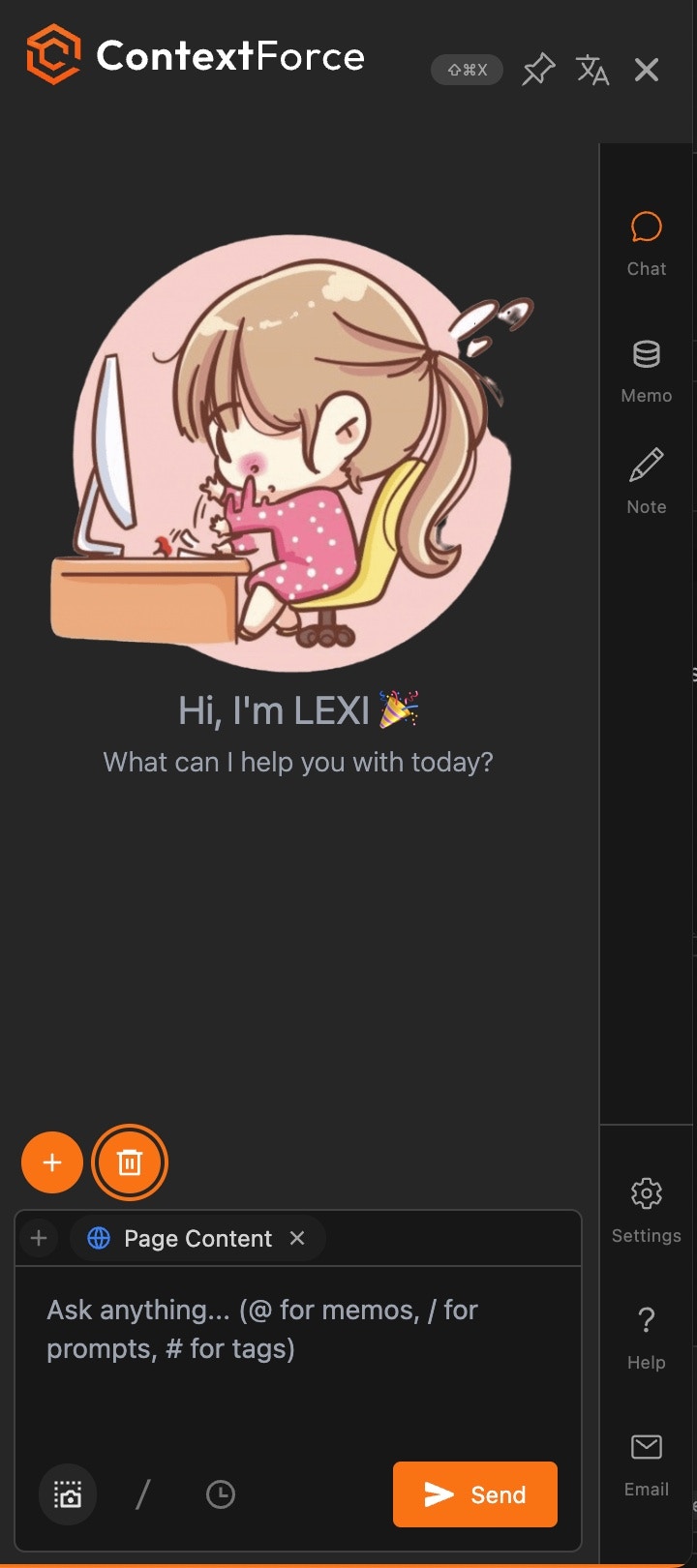
Pick your own avatar (gif is supported). And choose light vs dark mode.
Customize Language
You can customize the display and target language of your AI Assistant.
Customize Prompts
You can craft your own prompts and use them in your workflows. Our library has over 300+ prompts to choose from.
Pick Your Apps
You can pick your own AI agents and tools to enhance your workflows.
Examples
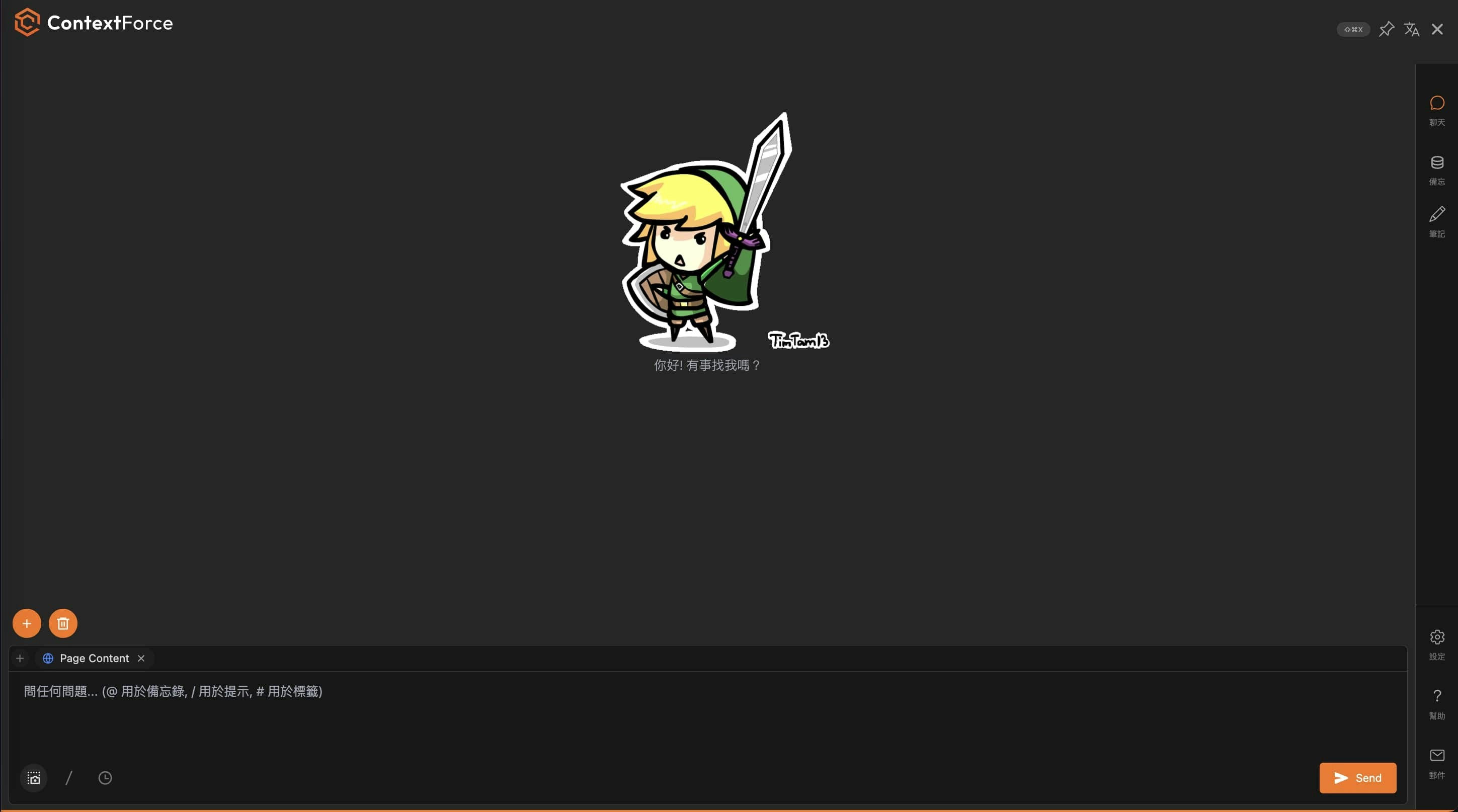
Configured Options:
Zelda avatar in animated gif, dark mode, traditional Chinese in display and full screen.
Integrate AI into your workflow
To integrate AI into your workflow, we’ve created the following:- Quick menu for selected text
- Image menu when you mouse over an image
- Youtube summarize button
- Context capture from youtube, google search result and webpage so you can ask questions about the content.
- Screenshot capture certain area of the page and ask questions about the screenshot.
- Shortcut to open LEXI sidebar
- Chat Editor shortcuts:
/to open prompt menu,@to show memos, and#to show tags.
We will continue to add more integration points to make AI more seamless and integrated into your daily workflow!
Youtube Summarize
Summarize youtube videos to help you understand the content.
Image Menu
Chat and extract text from images and use it for your AI workflows.
Quick Menu over Selected Text
You can use the quick menu to carry different actions with the selected text.
Chat with Context
You can chat with the context of the webpage, youtube video, google search result and image.
Highlight and Notes
You can highlight and take notes on the webpage
Memo - Personal Knowledge Base
You can capture, organize, and retrieve knowledge from your browsing history.